Title Tags and Meta Descriptions: How to Write Them for Higher Click-Through Rates
Your page can rank well and still get ignored. Why? Because of a weak snippet. That’s where title tags for SEO come in. A clear, specific title and meta description make searchers choose you over a competitor. Think of a snippet as the shortest advert for your page.
In this guide, you’ll learn how to write meta descriptions and titles that earn clicks. We’ll cover titles, descriptions, what matters most, and how to test your results. Titles and descriptions are one part of on-page SEO; our complete on-page SEO guide covers the rest.
What Are Title Tags and Meta Descriptions?
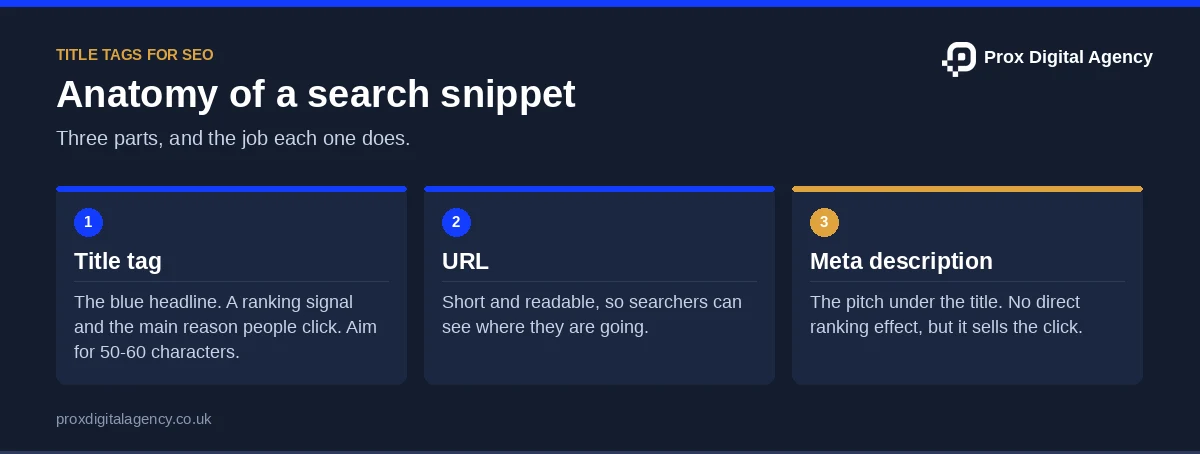
The blue headline in search results is called a title tag. A meta description is the short summary under it. Together, they form a snippet for readers.
They serve different purposes.
Title tags
Title tags are a ranking signal as well as a click-through driver. A good title helps Google understand the page and helps searchers pick it.
Meta descriptions
Meta descriptions have no effect on rankings directly. However, they sell the click.
But here’s the twist: Google can rewrite both, as its documentation on title links and snippets explains. Usually, this happens when the title is ambiguous or keyword-stuffed. For instance, let’s take a SaaS website whose home page is simply named “Home”. Google may then rewrite it with text of its own choosing.
How to Optimise Title Tags and Meta Descriptions
Optimising title tags and meta descriptions is simple. Then write one unique title and description per page. Make sure they both explain what’s inside the page. Include the primary keyword in both, and give the reader a clear benefit. Also, keep both within sensible lengths.
Here’s a hack! Search your keyword in Google and see what others are writing as their titles and descriptions. Take inspiration and match the search intent to write yours. If you are unsure which keyword a page should target in the first place, our keyword research services can map one to every page.
Here’s a quick four-step process:
- Check the intent. What does the searcher want?
- Draft the title. Lead with the keyword, then add a hook.
- Draft the description. Summarise the benefit and add a call to action.
- Review and test. Compare click-through rates after a few weeks.
Say you’re about to publish a SaaS pricing page. Follow the above four steps to get started. You can also check the rest of the page against our 27-point on-page SEO checklist before publishing. It also covers headings, links, images and more.
Title Tags for SEO: How to Write Titles That Get Clicks
Good titles come down to four elements.
Keep It the Right Length
Aim for a maximum of 50-60 characters. If you’re working on a WordPress site with an SEO plugin, you’ll see a colour indicator when your title exceeds the recommended length. Google truncates it by pixel width, not characters, so treat this as a guide. Put the important information first.
Put Your Keyword at the Beginning
Start your title with the keyword and clearly state what the page is about. For example, if your page is about “Managing Cloud Backup for SMEs”, write “Manage Cloud Backup for Small Teams and Businesses” instead of “Small Teams Love Our Managed Cloud Backup”.
Add a Hook
Numbers, brackets, and year markers lift clicks. Then compare these:
Update the year markers when you refresh the page. An old “(2022)” in the title looks stale.
Match Your H1 and Add Your Brand
Also, keep the title close to your H1. A big mismatch can lead Google to swap your title. Then add your brand at the end if space allows, like “| BackupBox”.
Here’s an example. A cybersecurity firm’s service page has the title “Services | SecureNet”. That tells nobody anything. Rewrite it as “Penetration Testing Services for SaaS Teams | SecureNet”.
Now it names the service, the audience, and the brand. In short, that’s the core of writing title tags for SEO: be specific, be clear, and be honest about what the page offers.
We used the same approach on our own site. In November 2026, Search Console showed our SEO service page at position 4 for “professional seo services company”, with more than 2,600 impressions in 90 days and almost no clicks. The page was ranking; the title was not earning the click. So we rewrote it to lead with exactly what searchers asked for, “SEO Agency London | Professional SEO Services Company”, and added a matching FAQ.
Avoid these title mistakes:
- Stuffing keywords.
- Using the same title on many pages.
- Starting with your brand name when no one searches for it yet.
- Writing clickbait that the page can’t deliver.
Test your title in a SERP preview tool before publishing.
How to Write Meta Descriptions
A meta description won’t lift rankings directly. But it can lift clicks. Think of it as ad copy, and use the same principles as our SEO copywriting guide.
Treat It Like an Advert
You have about 150-160 characters on desktop. Mobile may show less, so put the key message first. Say what the page offers and who it’s for.
Add a Call to Action and One Selling Point
Also, use active verbs like “Compare”, “Get” or “Learn”. Then add one clear benefit, like a free trial or a fast setup.
Keep It Unique
Then write a fresh description for every page. Duplicates lead to generic snippets and wasted chances.
Here’s a before and after for a project management app:
Include your keyword naturally. Google bolds matching words in results, which draws the eye. Also, don’t promise what the page can’t deliver. People bounce, and that hurts trust.
Google may still rewrite it and that’s completely normal. A well-written description just gives it a better starting point.
Ranking but not getting clicks?
Send us your site. We will find the pages with the most impressions and fewest clicks in Search Console and rewrite three titles and metas for you, free.
Best Practices for Meta Descriptions That Drive Clicks
Make each description unique, specific and action-led. Lead with the benefit, include the keyword naturally and end with a clear next step. Stay within roughly 150-160 characters and never mislead. Review them often, because search behaviour changes.
For example, say a web host leaves “Black Friday offer” in its description in March. Clicks may rise, then bounce. Outdated promises cost trust.
If Google rewrites your description, check the page content. It usually pulls text that matches the query better. Improve that part of the page and you may get a better snippet.
Title Tag vs Meta Description vs Header Tags: Which Matters Most?
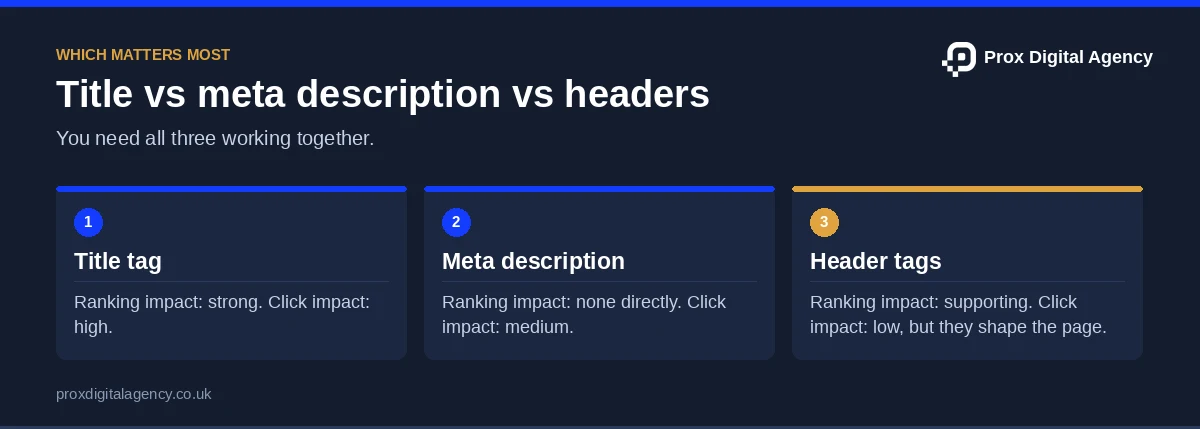
Title tags matter most for rankings and clicks. Header tags help structure and clarity. Meta descriptions don’t directly affect rankings, but they can lift clicks. You need all three working together.
Think of a SaaS help page. The title tag says “Reset Your Password in Our App”. Meanwhile, the H1 says the same thing in a friendly way. The H2s walk through the steps. If the title says one thing and the H1 says another, readers and Google get confused. If you are stuck in this situation, our guide to header tags for SEO shows how to fix it.
Test and Improve Your Click-Through Rate
Open Google Search Console. Also, use the Performance report. It shows clicks, impressions, click-through rate and average position for each page. Find pages with plenty of impressions but few clicks. Those are your best targets.
Then change one thing at a time, like the title hook or the CTA. Wait a few weeks. Then compare click-through rates. Also, keep what works. Reverting is easy if it doesn’t. Export the data monthly so you can spot trends.
Small tweaks add up. A SaaS site with 200 pages won’t fix them all in a weekend, though. If you’re in that spot, an on-page SEO company like Prox Digital Agency can audit your snippets and fix them in bulk. Good title tags for SEO often start with a proper audit.
First, start with your top five pages today.
Title Tag and Meta Description FAQs
Can I leave a meta description blank?
You can, and Google will pick text from the page instead. But it’s a missed chance. A written description lets you control the pitch. For key pages, like a pricing page or a product comparison, always write one.
Do title tags matter for AI search?
Yes, in a supporting way. A clear, accurate title helps AI tools and search engines understand what the page is about. Specific, descriptive titles are easier to match to a question than vague ones.
Can I change titles on pages that already rank?
Yes, but be careful. If a page already earns good traffic, test one change at a time and track clicks. Keep notes so you can roll back. A better hook is usually safe. Changing the topic entirely is riskier.
What’s a good click-through rate?
It depends on position, intent and brand. Results near the top usually get far higher click-through rates than lower ones. Then compare each page against its own past performance in Search Console, not against a single universal number.
Are emojis okay in title tags?
They can work, but use them sparingly. Google may drop them. An emoji might help a consumer app stand out, but it can look odd for a cybersecurity firm. Test it on one page first.
Prox Digital Agency · On-Page SEO
Turn impressions into clicks across your whole site
We audit every title and meta description, rewrite the ones that underperform and track the click-through rate in Search Console.

 Muhammad Bilal, London
 7 mins
Image SEO: Alt Text, File Names and Formats That Help Pages Rank
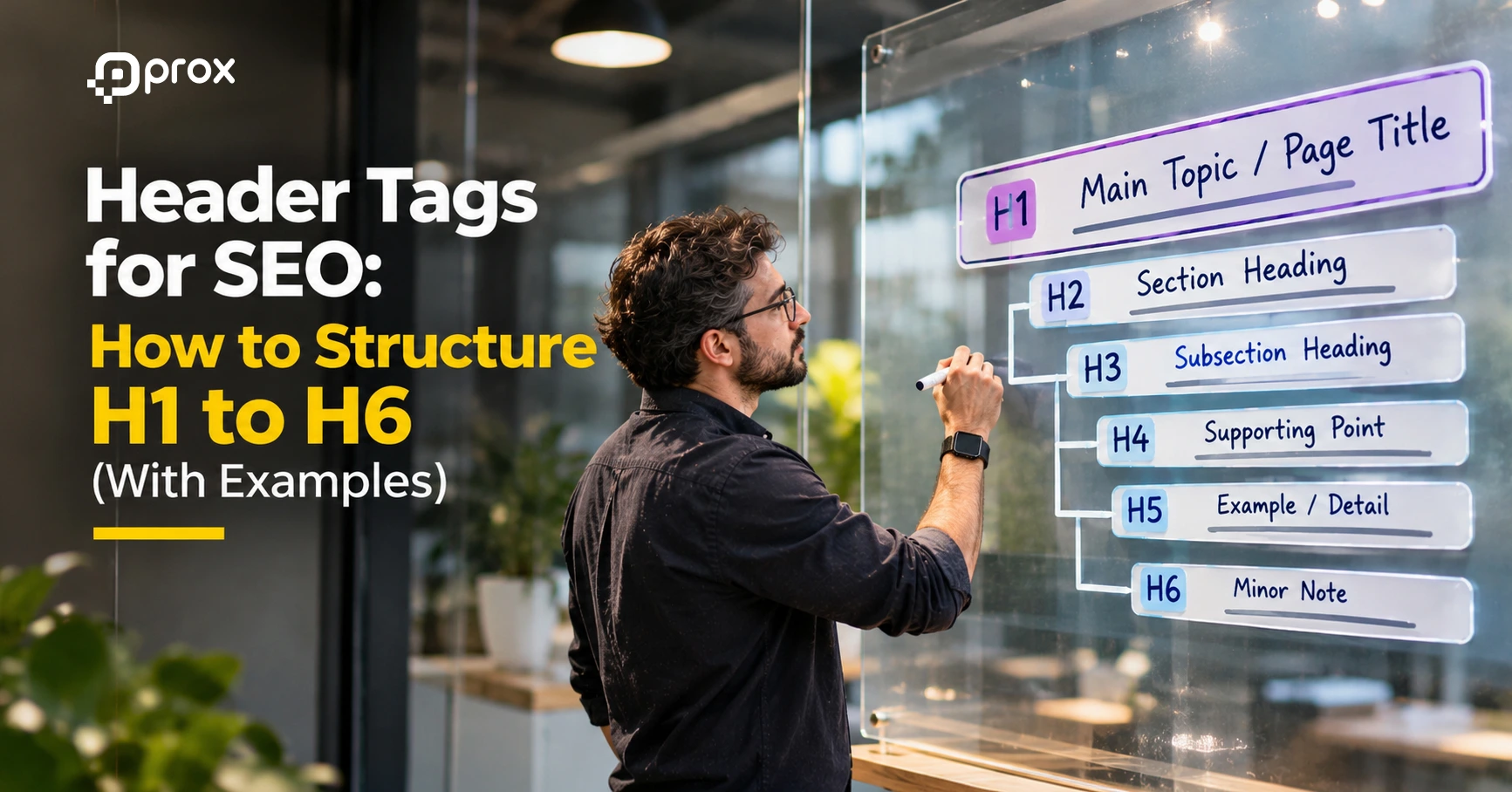
Header Tags for SEO: How to Structure H1 to H6 (With Examples)

SEO Copywriting: How to Write Pages That Rank and Convert
On-Page SEO Checklist: 27 Checks to Run Before You Publish Any Page

On-Page SEO: The Complete Guide to Optimising Every Page for Google and AI Search (2026)
How to Get More Google Reviews (and Handle Negative Ones) Without Hurting Your Rankings
Local SEO for Law Firms: How UK Solicitors Can Win More Local Enquiries

Local SEO for Dentists and Private Clinics: How to Win Patients Searching Nearby