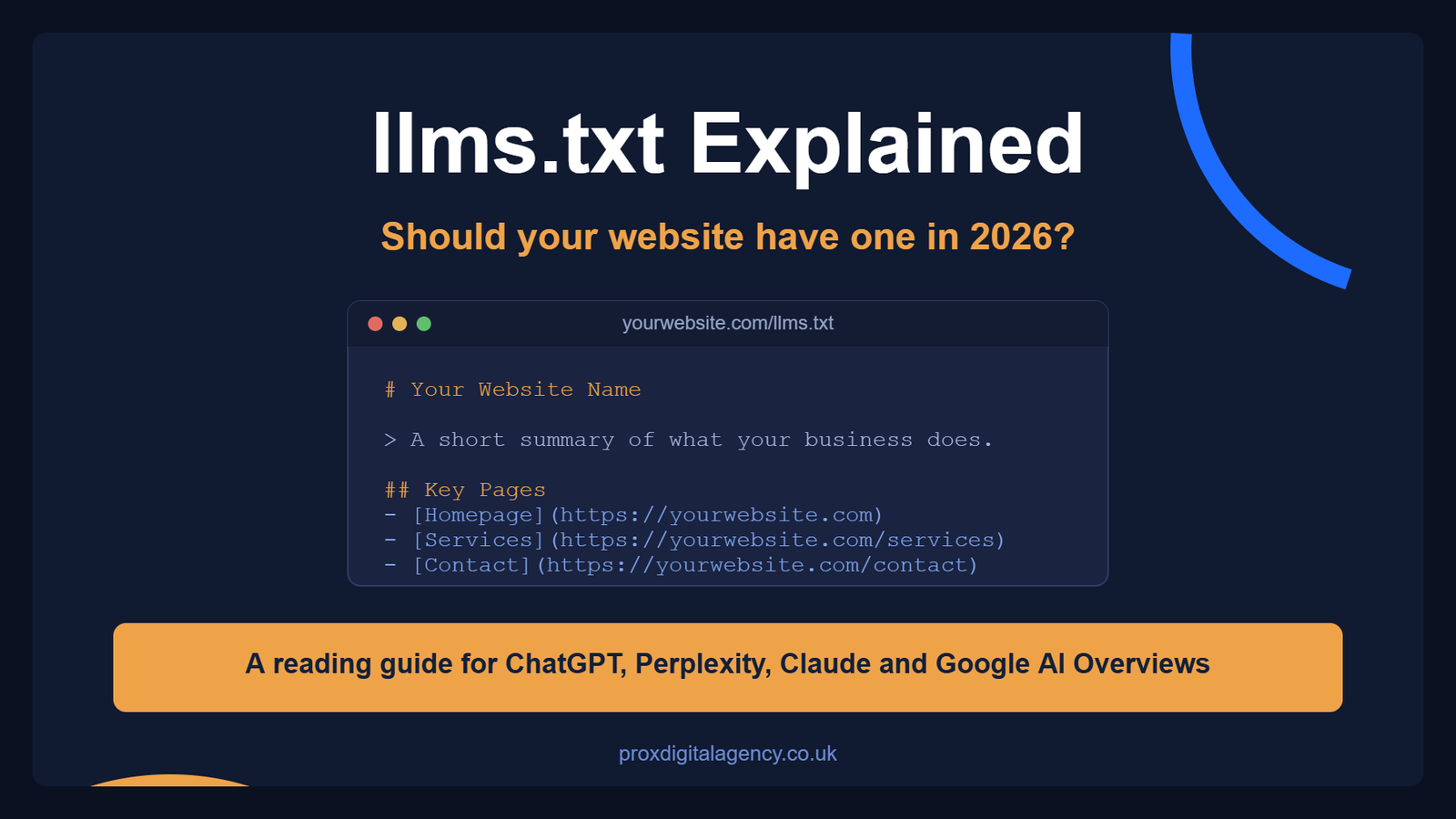
llms.txt is a plain text file you place on your website to help AI tools understand your content faster. In short, it acts as a guide for large language models like ChatGPT, Perplexity and Claude. Instead of forcing these tools to crawl every page blindly, you hand them a curated list of the links you actually want read.
Why does this matter? Because AI search is growing rapidly. In 2026, millions of people ask AI chatbots for answers instead of typing queries into Google. Consequently, if your website is not structured for AI consumption, you barely exist for those users.
At Prox Digital Agency, we have been testing this new standard on our own site. Here is the truth: it is not magic. However, it is useful. This guide explains what llms.txt is, how it works, and whether your website actually needs one in 2026.
What is llms.txt? The Evolution of the Robots.txt File
llms.txt is a plain text file. You place it in the root directory of your website, so the address always looks like this:
https://yourwebsite.com/llms.txt
Inside, you write in Markdown. That is a simple formatting language. As a result, it is easy for humans to read. More importantly, it is easy for machines to parse.
The goal of llms.txt is simple. Above all, you are giving website context to large language models. In effect, you are saying:
- Here are my most important pages.
- Here is what my business does.
- Here is the information you should trust.
Think of it as a cheat sheet. AI models do not crawl every page on your site. Instead, they want a summary, and llms.txt provides exactly that.
The Key Difference: llms.txt vs robots.txt
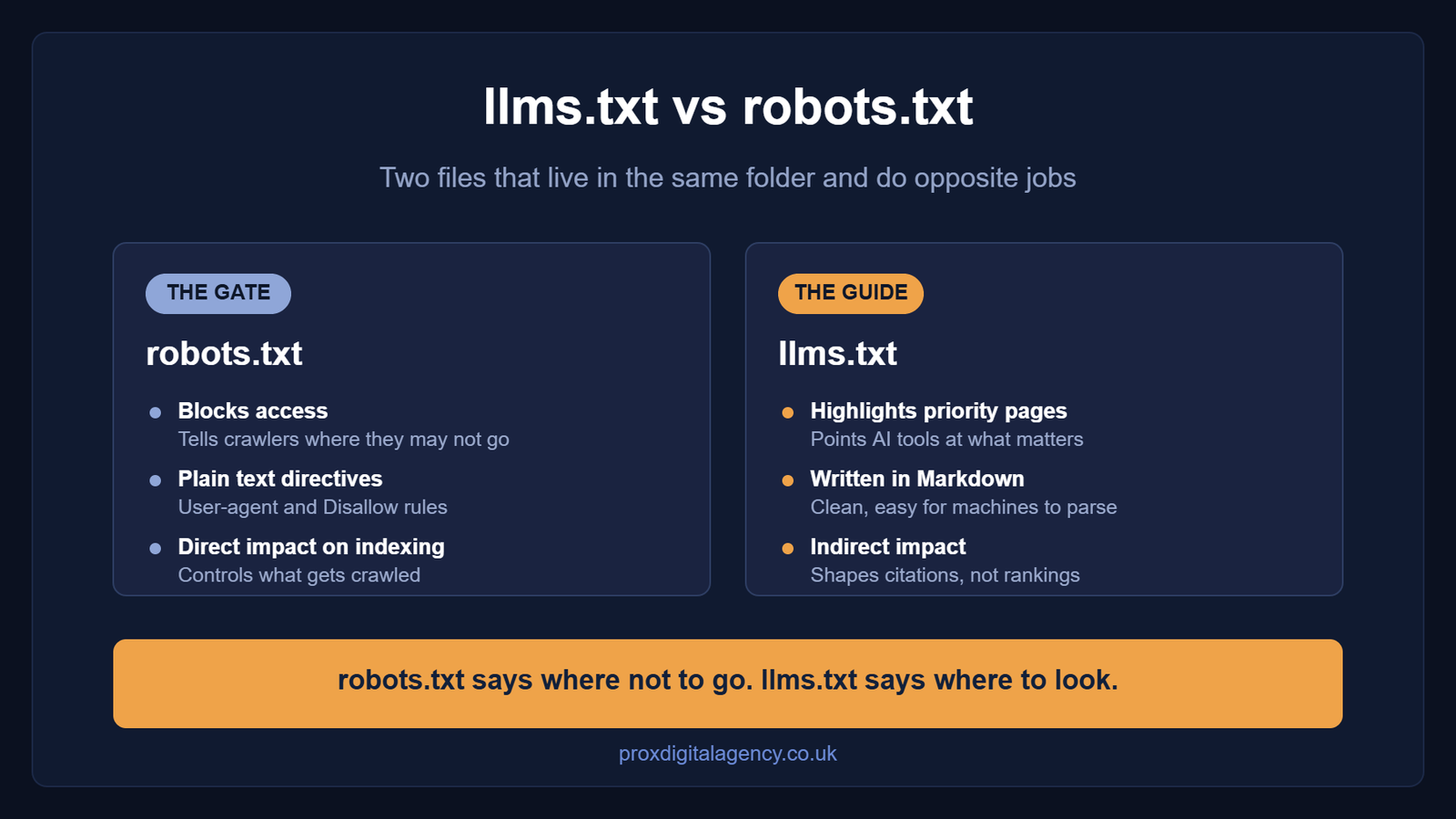
Many people ask about llms.txt vs robots.txt. Admittedly, they sound similar. However, they serve opposite purposes. You have probably heard of robots.txt, the file that tells search engines where they cannot go. But llms.txt is different. It tells AI tools where they should go. Therefore, it is a guide, not a gate.

Here is a quick comparison:
| Feature | robots.txt | llms.txt |
|---|
| Primary function | Block access | Highlight priority pages |
| Format | Plain text directives | Markdown |
| Who reads it | Search engines, AI crawlers | LLMs, AI tools |
| Impact on indexing | Direct | Indirect |
One important note: llms.txt is not a ranking factor. Google does not use it to rank your pages. Nor is it a security feature, because it will not stop AI crawlers from accessing your content.
Why Context Matters: How LLMs Read Your Website Differently
Traditional search engines crawl your HTML. They look at meta tags, heading structure and internal links. Then they index everything.
On the other hand, LLMs work differently. They do not want to read your entire website. Rather, they want a summary and proper context. AI tools such as ChatGPT and Perplexity have limited resources, so they cannot process thousands of pages for every query. That is why they need a shortcut.
This is where website context becomes critical. You are not just listing pages. Instead, you are explaining what your website is about, which gives AI models the background they need to cite you accurately. If you want to go further, our guide on how to structure your website for AI agents and answer engines covers the wider technical picture.
Without context, AI models guess. Sometimes they get it right. Often, unfortunately, they get it wrong. In practice, llms.txt reduces that guessing.
Where llms.txt Fits in the Bigger AI Picture
AI search engine optimisation is now a real trend. It is also called Generative Engine Optimisation, or GEO. The goal is simple. You are not just trying to rank on page one. Instead, you are trying to be the source that AI tools cite in their answers.
For that reason, llms.txt is one tool in the GEO toolkit. It helps AI models find your best content and, in turn, increases your chances of being cited. If you are new to the discipline, start with the difference between SEO and GEO, then work through the practical GEO strategies that move the needle first.
How to Create an llms.txt File: Quick Steps
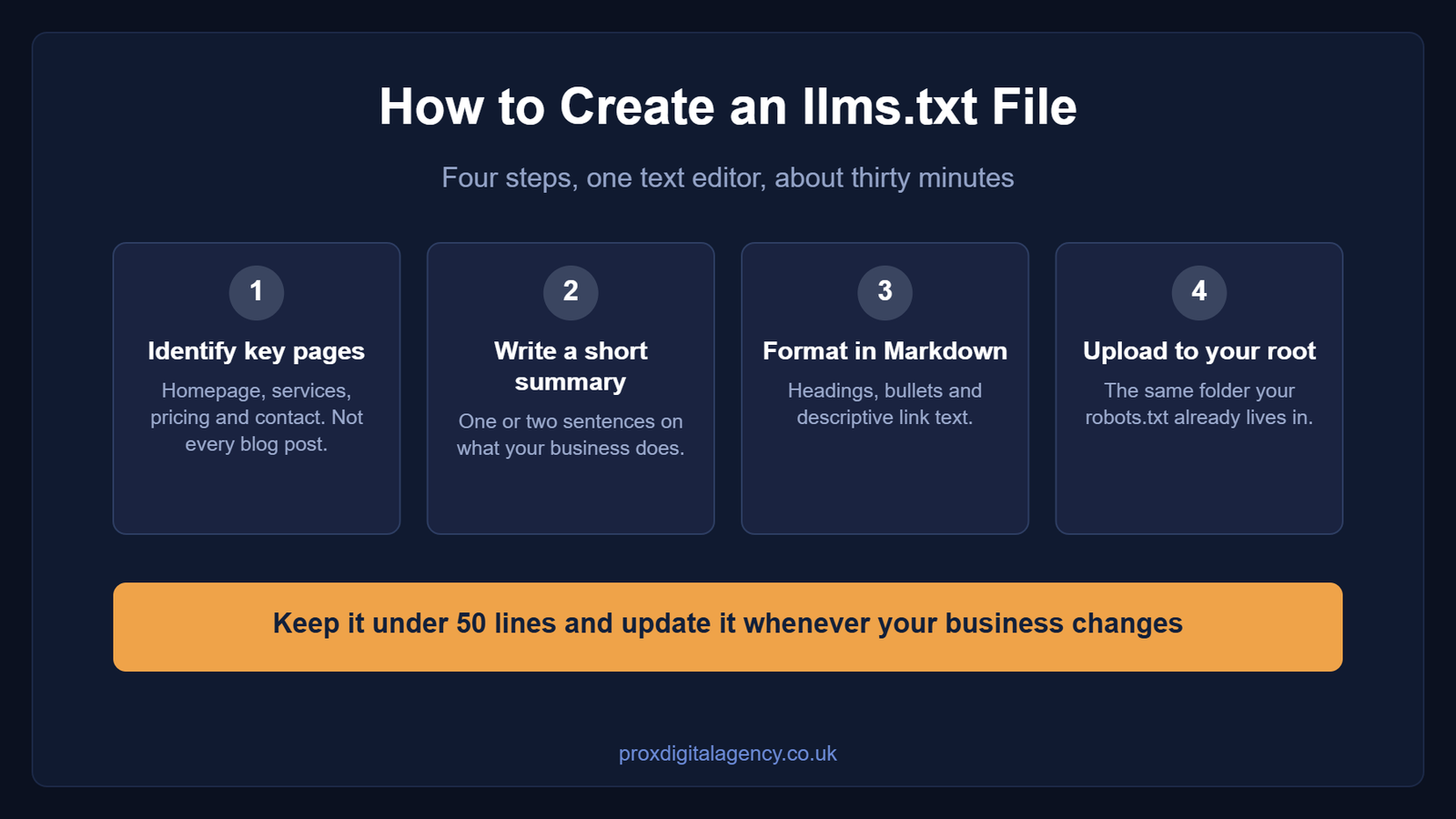
Creating an llms.txt file is simple. You do not need a developer or any special software. In fact, you only need a text editor and about thirty minutes.
Here is the step by step process.
Step 1: Identify the key pages for your llms.txt file
Think about the pages that define your business: your homepage, your services page, your pricing page and your contact page. Do not list every blog post. Instead, list the pages that matter most.
Step 2: Write a short summary
In one or two sentences, explain what your business does and who it serves. Keep it factual, because this is the line AI tools are most likely to repeat.
Step 3: Format the file using Markdown
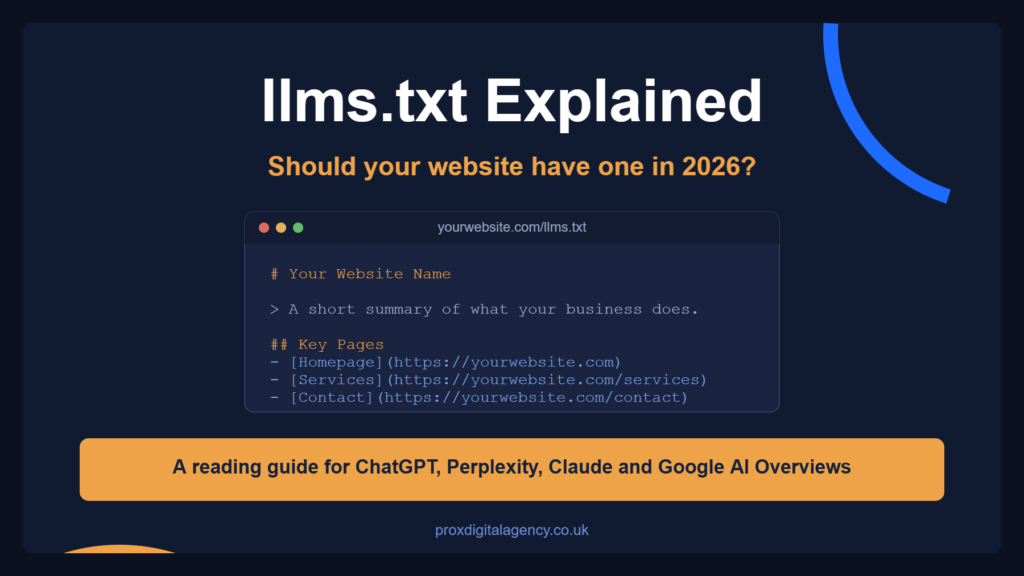
Next, add headings, bullet points and links. Here is a simple llms.txt example:
# Your Website Name

> A short summary of what your business does and who it serves.

## Key Pages

- [Homepage](https://yourwebsite.com)
- [Services](https://yourwebsite.com/services)
- [Pricing](https://yourwebsite.com/pricing)
- [Contact](https://yourwebsite.com/contact)

## Documentation

- [API Reference](https://yourwebsite.com/docs/api)
- [Getting Started Guide](https://yourwebsite.com/docs/start)

## Notes

This website provides digital marketing services for small businesses.
Step 4: Upload the file
Finally, place it in your root directory. That is the same place where your robots.txt file lives. That is it.
llms.txt Syntax and Structure: Markdown, Links and Formatting Rules
The llms.txt standard is still evolving. Nevertheless, the core rules are clear. Follow them and your file will work.
1. Use Markdown
AI crawlers prefer Markdown over HTML because it is cleaner and faster to process. It removes unnecessary code and focuses on content.
2. Keep it short
Keep it under 50 lines. It should be a summary, not a full sitemap. Otherwise, AI models will simply ignore it.
3. Link to your most important pages
Do not list every URL. Instead, list only the pages that define your business.
4. Use descriptive link text
Rather than “Click here”, write “Pricing page”. This gives AI models context about the destination.
5. Update the file when things change
If you launch a new product or change your pricing, update the file. After all, an outdated llms.txt file is worse than no file at all.
Should Your Website Have One? Pros, Cons and Strategic Use Cases
One major question comes up again and again: “Do I need llms.txt for SEO?” Because Google has not confirmed it as a ranking factor, you do not need to rush. Your website will not collapse without it.
That does not mean you should ignore it completely, though. llms.txt serves a different purpose. Specifically, it helps AI tools such as ChatGPT and Perplexity find and cite your content.
That is not traditional SEO. That is Generative Engine Optimisation. So if AI visibility matters to your business, llms.txt is worth considering. If you are only focused on Google rankings right now, on the other hand, you can wait.
Here are the pros and cons.
| The Pros | The Cons |
|---|
| Better AI citations. AI tools find your content easily and are more likely to cite you. | Limited immediate impact. For most websites, the traffic gain is small right now. |
| Reduced misquotes. A clean source of truth reduces the chance of AI hallucinations. | No direct SEO benefit. Google does not use llms.txt for rankings. |
| Future-proofing. AI search is growing, so early adopters will hold an advantage. | Maintenance required. The file must be updated regularly. |
Where an llms.txt file makes the most sense
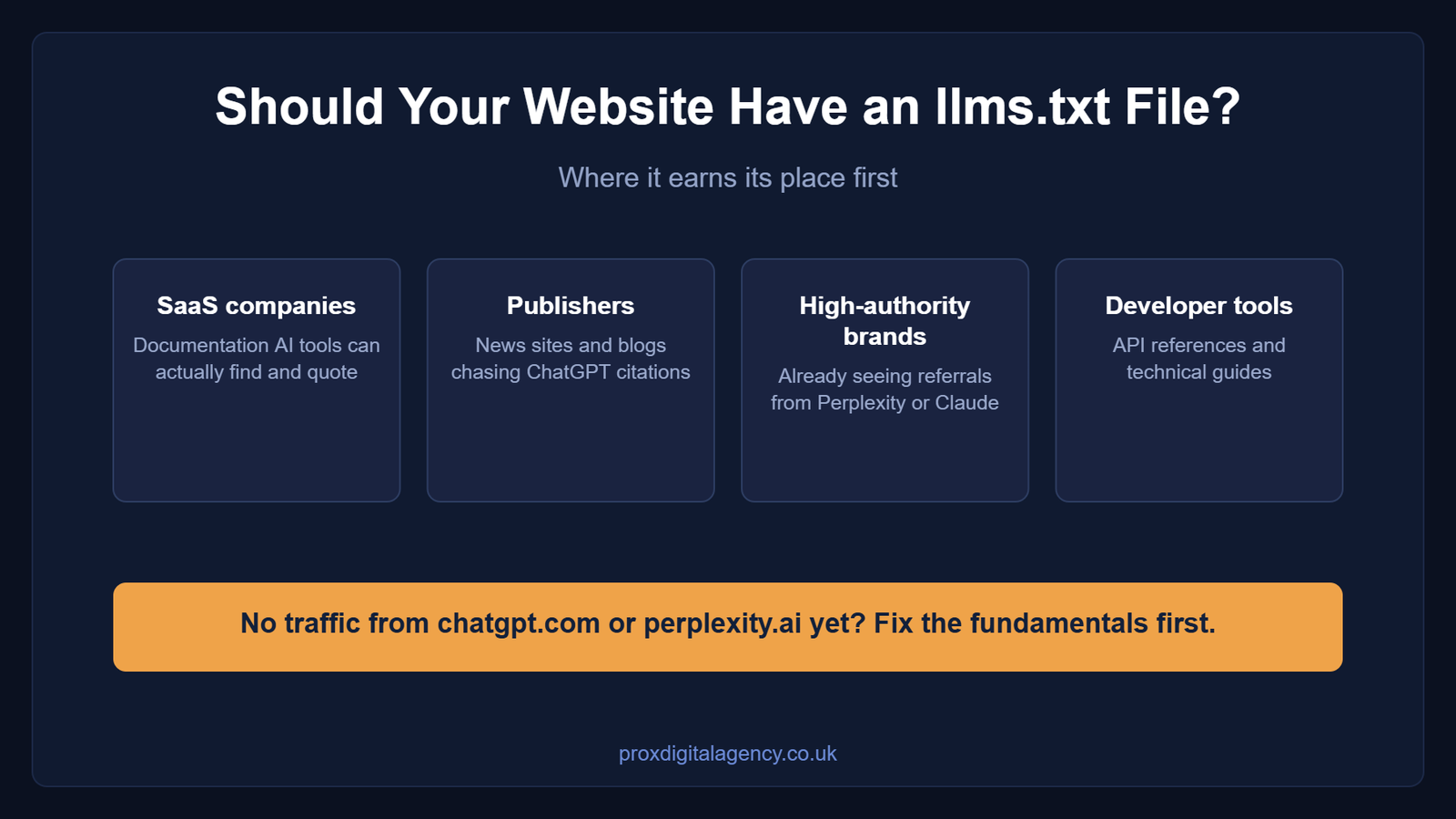
Meanwhile, some industries should test it sooner than others:
- SaaS companies: if you have documentation, llms.txt helps AI tools find your guides.
- Publishers: news sites and blogs that want their articles cited by ChatGPT should consider it.
- High-authority brands: if you already see referral traffic from Perplexity or Claude, llms.txt can increase those referrals.
- Developer tools: any website with an API reference or technical documentation is a strong candidate.
Quick Checklist Before Creating an llms.txt File
There is a rule of thumb to apply before you begin. Read these pointers thoroughly.
- Check your analytics. Do you see traffic from chatgpt.com or perplexity.ai? If yes, create an llms.txt file. If no, focus on other priorities first, and use our AI visibility diagnostic checklist to find them.
- Think about your content type. Do you publish guides, documentation or reference material? If yes, AI tools are more likely to cite you, which makes llms.txt more valuable.
- Consider your audience. Are they early adopters who use AI tools daily? If yes, investing in AI visibility now makes sense. If your audience still relies on traditional search, however, wait a little longer.
Let Prox Digital Agency Handle Your AI Search Strategy
llms.txt can make your content easier for AI systems to understand, but it should not replace the fundamentals. Clear content, strong entity signals, structured data and useful information still matter most.
As a result, we recommend treating llms.txt as one part of a broader AI search strategy. Keep it simple, focused and updated. Use it to highlight the pages that best explain your business. That is all.
The Prox Digital Agency team helps brands adapt their SEO strategy for AI-powered search. From schema and content structure to GEO and AI visibility, we build strategies that help your brand get understood, discovered and cited.
Ready to improve your visibility across Google and AI search? Talk to Prox Digital Agency about your AI search strategy.
FAQs
1. What is llms.txt and why is it used?
llms.txt is a Markdown file that provides a structured summary of your website for large language models like ChatGPT. It lists your most important pages in a simple format, so AI tools can interpret and cite your content correctly.
2. Does llms.txt replace robots.txt?
No, because they serve different functions. robots.txt tells AI crawlers and search bots where they cannot go. llms.txt acts as a reading guide instead, telling AI where to find the most important, factual and up to date information.
3. Is llms.txt important for SEO in 2026?
Yes, although it is more accurately described as GEO. While it does not directly boost traditional Google rankings, it increases the likelihood that ChatGPT, Perplexity and Google AI Overviews will use your website as a source.
4. How do I add an llms.txt file to WordPress or a custom website?
First, write a Markdown list of your key URLs in a text editor. Then deploy it exactly as you would robots.txt: upload the file named llms.txt to your root domain via FTP or your hosting file manager.
5. Can llms.txt help protect my content from AI hallucinations?
Yes. It cannot prevent an AI from training on your data. However, a clean, structured llms.txt file gives the model a cheat sheet of your official statements, which reduces the chance of it guessing or misquoting your company data.


 US
US UK
UK +44 (7) 43 8304 605